
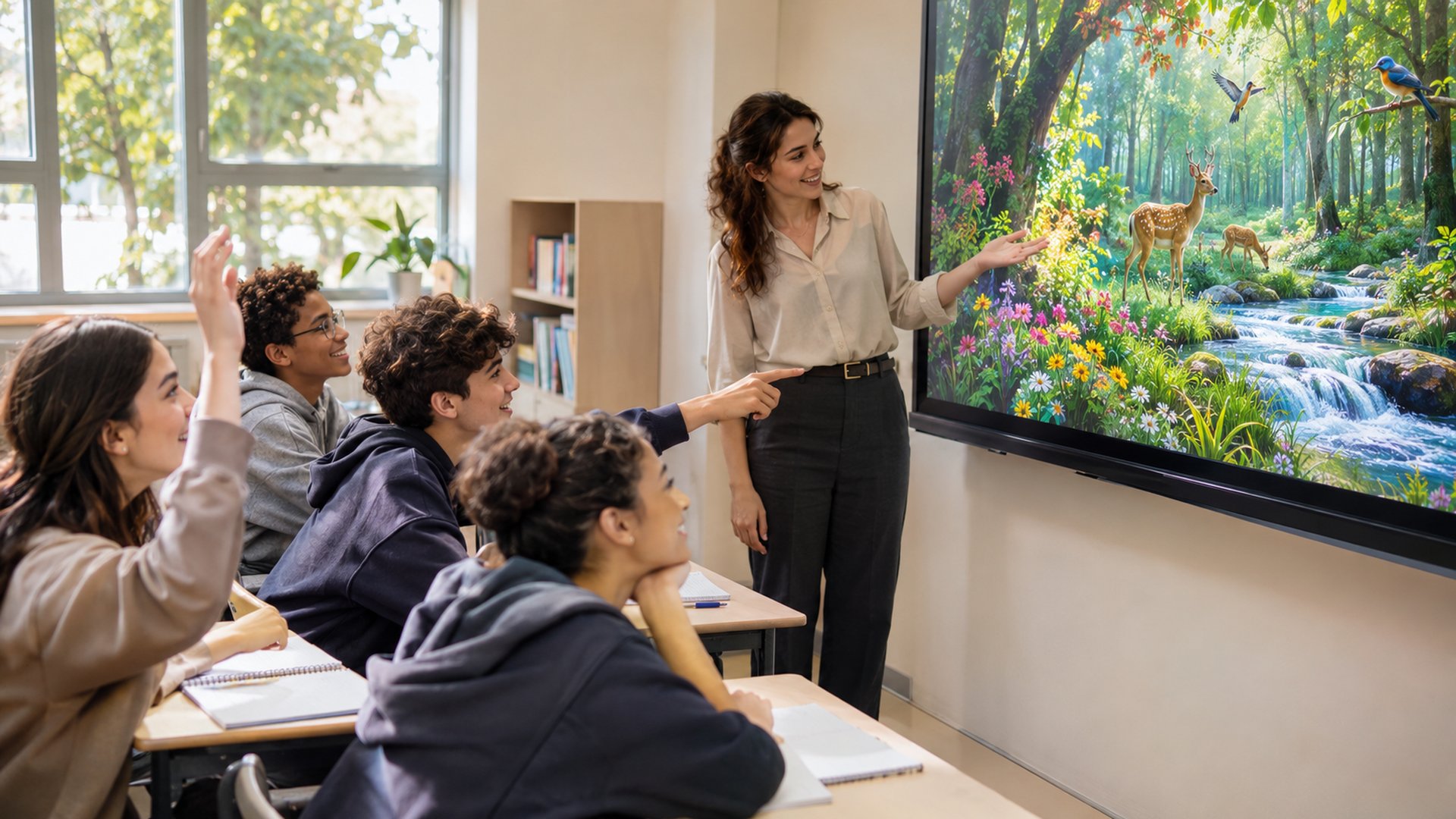
Visual content is one of the essential elements of communication and learning in today’s world. Images make information easier to understand and remember, whether you are learning a new language, preparing a presentation or creating online educational resources.
Technology keeps improving, and artificial intelligence is bringing new ways of producing educational and creative visuals. An AI image generator lets users create images from their own words, which streamlines content creation in many learning contexts.
In this article:
The importance of visual content in the classroom
Written explanations alone do not always get the message across. Illustrations, photos, diagrams and other visual aids help learners grasp new or unfamiliar information and connect it with real-life examples.
For instance, learners of English remember new vocabulary better when the words come with relevant pictures. Language lessons become more engaging when they are taught visually, with pictures of everyday objects, animals, means of transport or different settings.
Teachers can also use images to introduce new topics, spark classroom discussion and support creative learning activities. Visual materials add context that makes complex topics more accessible.
How AI image generation works
An AI image generator is a tool that uses artificial intelligence algorithms to create images from a text prompt or other input. Users describe the image they want, and the technology produces a visual interpretation of their instructions.
Example prompt
For an English lesson about nature, a teacher might write: “A colourful forest with different animals, trees and flowers, and a river flowing through it.”
The resulting image can then serve as a starting point for vocabulary practice, storytelling or a class discussion.
Users can also experiment with different styles, such as photorealism, cartoons, educational illustrations and digital paintings. This makes AI image generation useful for creating visuals that suit different age groups and learning goals.
Exploring AI image generators for educational images
Many AI image generators are now available to anyone who wants to create imaginative visuals. Tools such as Dreamina, Adobe Firefly, Canva’s AI image tools and ChatGPT Images all let users turn their ideas into pictures, and each one differs in features, style options and ease of use.
Dreamina Adobe Firefly Canva AI image tools ChatGPT Images
Users can start by describing what they want to see, adding details about the background, colours, lighting and artistic style.
Two lesson ideas
• Daily routines: “A student getting ready for school in the morning.”
• Shopping: “A busy market,” as a context for vocabulary about shopping and everyday conversations.
Ideas like these help teachers and content creators build richer learning resources. They can also try out different descriptions, and even different tools, until they find pictures that match their teaching objectives.
How AI-generated images can be used in learning
AI-generated images can support a wide range of learning tasks and digital communication projects.
1Language learning
Teachers can use generated images to introduce vocabulary and encourage students to describe what they see. Pictures of everyday situations work well for speaking, writing and comprehension practice.
2Classroom presentations
Teachers and students can add AI-generated illustrations to their presentations. Well-chosen visuals make slides more engaging and help clarify key concepts.
3Creative writing exercises
Images can spark storytelling activities. Students study the picture and invent a story, describe the characters or imagine what might happen next.
4Online learning materials
Illustrations make lessons on educational websites and online courses more appealing, and AI-generated images offer another way to create supporting visuals for all kinds of topics.
5Vocabulary development
Teachers can create an image around a specific theme, such as food, travel, nature, technology or transport. These images help learners link an unfamiliar word to a familiar object or situation.
Tips for creating effective teaching images
In learning tasks, clarity and relevance matter most. An attractive picture helps, but it should also serve the main goal of the lesson. Here are a few useful tips:
- ✓Write precise descriptions: give details of what the illustration should show.
- ✓Keep it relevant to the lesson: make sure the visual elements support the lesson rather than distract from it.
- ✓Choose the right style: cartoons can suit younger students, while realistic pictures work better for real-world topics.
- ✓Avoid too much detail: simple compositions often help students understand a concept better.
- ✓Check for accuracy: make sure objects, labels and other important details are correct for the learning content.
Remember accessibility
Teachers should also keep accessibility in mind and provide alternative text for the images they use in digital lessons.
Using AI tools and traditional teaching together
AI is a tool that supports education, not a substitute for it. Teachers still play a crucial role in explaining concepts, guiding discussions and fostering critical thinking.
AI images can be combined with textbooks, classroom exercises, audio materials and hands-on tasks to enrich the learning experience.
A classroom idea
Show students an AI-generated image of a scene, such as a landscape or a gathering of people. Ask them to identify the different elements in the picture and write sentences about it. This activity combines visual learning with language practice.
The aim is to use technology thoughtfully, so that it enhances learning instead of distracting from it.
Conclusion
AI is adding a new dimension of creativity and digital communication to education. Teachers, students and content creators can use an AI image generator to turn written ideas into helpful visuals for language teaching, presentations, storytelling and online learning materials.
With the range of tools now available, people without advanced graphic design skills can create custom images more easily. Combined with good teaching practice and human creativity, AI-generated visuals can make learning materials more attractive, informative and memorable.


