
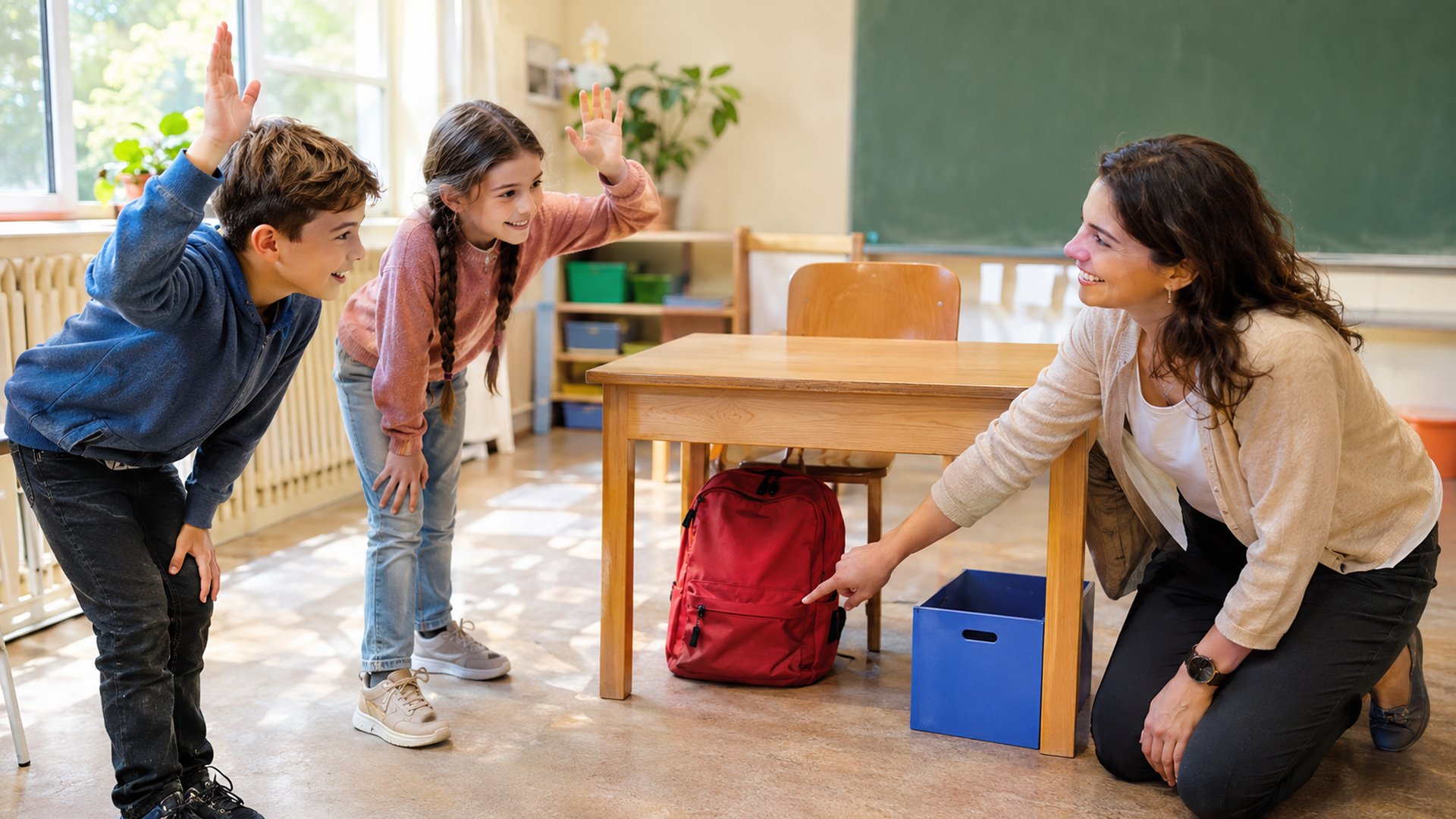
A learner knows the words under, between, and behind during a vocabulary quiz. Five minutes later, the same learner says, “The bag is in the chair.” The problem is easy to recognize: knowing a word’s translation does not guarantee that someone can describe a scene. A useful classroom activity makes learners notice where objects are, say what changed, and correct a partner’s description.
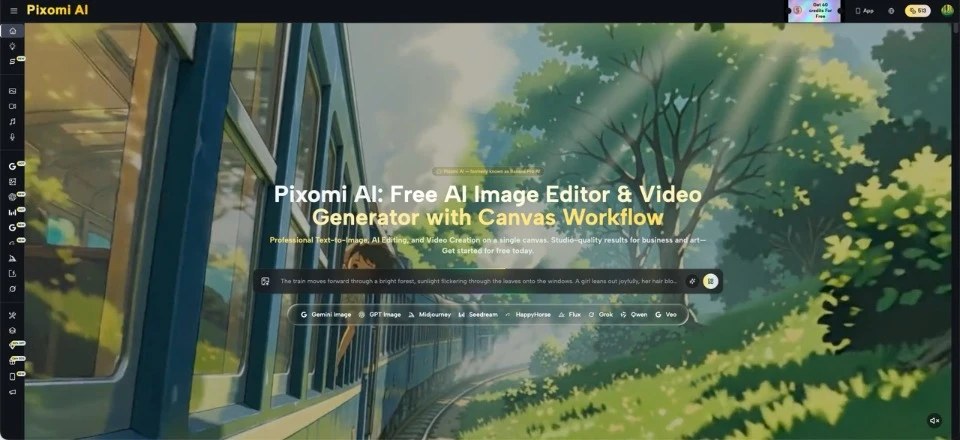
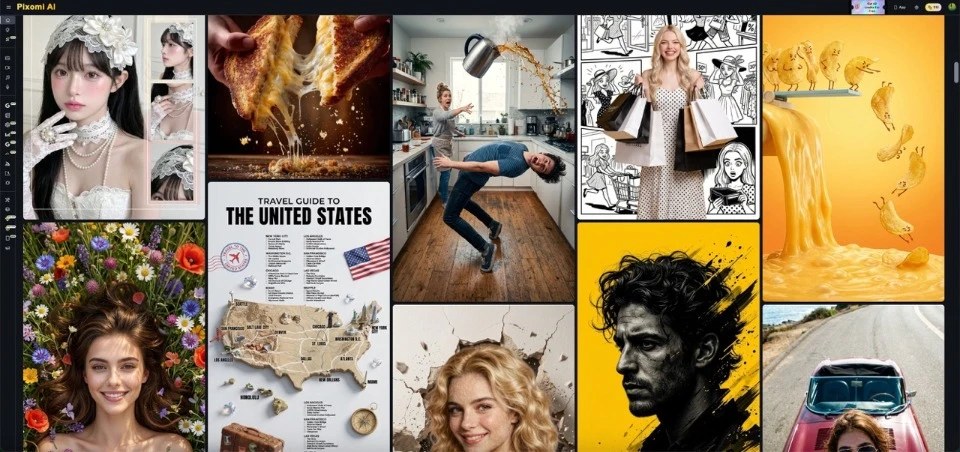
Teachers can prepare such pictures with simple illustration prompts. For example, Banana Pro AI offers text-to-image creation and image-to-image editing. The teacher still chooses the language target and checks each picture carefully. The point is to create a small, predictable setting where changing one object gives students a real reason to speak. Here is a lesson built around a single room and three location words.
In this article:
Why one stable room helps learners notice grammar
Imagine three separate textbook pictures: a bedroom, a busy station, and a supermarket. They show useful vocabulary, but they also introduce dozens of unfamiliar objects. A learner may spend more energy naming the setting than practicing the intended preposition. Keeping the same room removes much of that distraction.
Start with a chair, a wooden table, a red bag, and a blue box. Choose everyday objects that students can name without looking them up. Keep the viewing angle fixed, with enough space around each item to show the difference between positions. If the red bag moves while the chair and table stay put, students can focus on one question: where is it now?
Real objects first
Use the photographs or drawings as conversation prompts, not as a substitute for physical demonstrations. Put a real pencil under a book before the activity if the class needs a quick reminder. Then show the first image without any written answer and listen for the sentence students produce.
Plan an information-gap game before making the cards
Sentence frame
Provide a small sentence frame for beginners: “In my picture, the bag is ___ the ___.” For stronger students, remove the frame and ask follow-up questions. “Is the chair next to the table?” becomes useful because a learner needs to distinguish similar scenes.
After two minutes, students reveal their cards and check whether their descriptions matched the pictures. If the image has an unclear position, acknowledge it and use that moment to discuss precise language. The game works best when students genuinely need to listen, so avoid placing every answer on the classroom screen before they speak.
Make a three-scene location challenge
The activity needs one base picture and three clear variations. Prepare the images before class, print them or display them separately, and keep the answer key out of sight. Each scene should have only one defensible location for the target object.
1Place the bag under the table
Write a specific base prompt:
“Simple bright classroom illustration, one wooden table, one chair to the right, one blue box on the floor, one red school bag directly under the table, eye-level view, no text.”
Inspect the result for accidental extra bags or ambiguous shadows.
Ask learners, “Where is the bag?” Then offer a choice between “under the table” and “behind the table.” The question encourages them to look at the actual position rather than guess from a familiar word. Have one student give the answer and another explain what makes it correct.
2Move only the bag behind the chair
For the second card, preserve the same objects and request one change. The image-to-image option on Pixomi’s image workspace accepts existing pictures as input. When trying Nano Banana Pro or another available image model, specify that the room, furniture, and viewing angle should remain consistent while the red bag moves behind the chair.
Check the chair’s outline. If half the bag is visible beside the chair, ask students whether behind is still clear. That small discussion is valuable, but the teacher needs a clean version for the answer key. Do not assume a generated edit will preserve everything automatically.
3Put the bag between two boxes
In the third scene, replace the single blue box with two clearly separated boxes and position the bag in the gap. This change is intentional: between requires two reference points in this exercise. Have students compare the scene with the earlier cards.
Ask, “What changed besides the bag’s position?” Stronger learners can answer, “There is another box, and the bag is between them.” Beginners can point while saying the shorter target sentence. Keep all three images available during the final review, so learners compare relationships rather than memorize an isolated caption.
Add movement without letting video take over
The same setting can introduce movement verbs in a later lesson: a person walks behind the chair, places a bag under the table, then steps between two boxes. If you use an image-to-video tool, treat its output as a short demonstration that needs careful review. Motion can introduce errors, such as an object appearing in the wrong position between frames.
First, show the opening image and ask students to predict what will happen. Play the clip once, then ask for verbs: walks, puts, moves. Play it again and ask for complete descriptions. The learning task comes from what students notice and say, not from the novelty of animation. Leave enough time for a second viewing.
Stills or video?
When a clip is visually confusing, use the three still cards instead. Clear static images are often the better choice for comparing prepositions. Save video for the moment when you want students to describe actions in sequence.
Check whether learners transfer the words
End the lesson with a fresh setting. Put three objects on the teacher’s desk or use a simple hand-drawn scene that students have never seen. Ask each student to describe two locations without choosing from a list. This checks whether they can use the language outside the original pictures.
Quick written assessment
For a quick written assessment, give students a blank room outline and three instructions:
- “Draw a cup under the shelf.”
- “Draw a key behind the box.”
- “Draw a pencil between two books.”
Partners exchange drawings and check the results. The teacher can identify whether confusion comes from vocabulary, spatial understanding, or sentence structure.
Keep the original image prompts and note which cards caused mistakes, especially when learners disagree about a location. Next time, improve one ambiguous picture instead of rebuilding the entire activity. A small set of reliable visuals is more useful than a folder full of attractive pictures students cannot interpret.
Conclusion
Prepositions become easier to use when students can see a relationship change, describe it aloud, and hear someone else describe it differently. A stable room gives them a familiar starting point, while three variations create enough contrast for meaningful practice. Keep the objects simple, review generated images for visual accuracy, and let learners speak before you reveal the answers. Use movement clips only when they add a clear language objective. Finally, test the words with real objects or a new drawing, so you know the skill has traveled beyond the activity. Give quieter learners thinking time before asking for answers, and celebrate precise descriptions over speed.
For your next lesson, choose one room, one movable object, and three location words—and let the conversation begin.


